Outdoor Digital Signage Screen Showdown FHD or 4K Wins

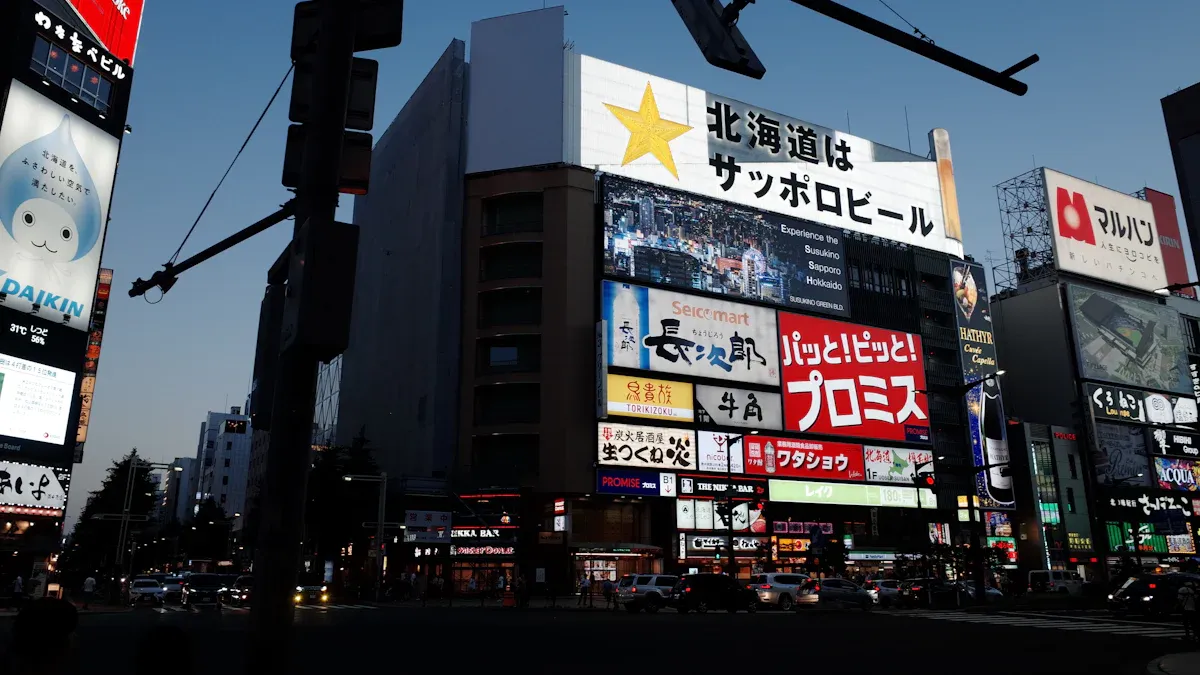
You should pick a 4k outdoor digital signage screen if you want the clearest pictures and best image quality. Higher resolution gives you sharper images. This is important when your display needs to get attention from far away. Pixel pitch changes how clear an image looks. Smaller pixel pitch gives better quality when you are close. Bigger places need larger pixel pitch for people who are farther away. With 4k, your digital signage looks sharp. Every image stands out on the screen. Your message will be easy to see anywhere.
Key Takeaways
Pick a 4K screen if you want the best picture. It shows sharper images and clearer words, so your message is easy to see.
Think about how far people will be from the screen. 4K screens look better for people who are close or when it is very sunny.
Match what you show to the screen’s resolution. Use 4K for pictures with lots of detail and small words. FHD works well for simple pictures.
Think about how much the screen will cost over time. 4K screens cost more at first, but they might save money on power and repairs later.
Use the checklist to help you pick a screen. Check what you need, where it will go, how bright it is, and how strong it is to get the best one.
Visibility & Distance for Outdoor Digital Signage Screen
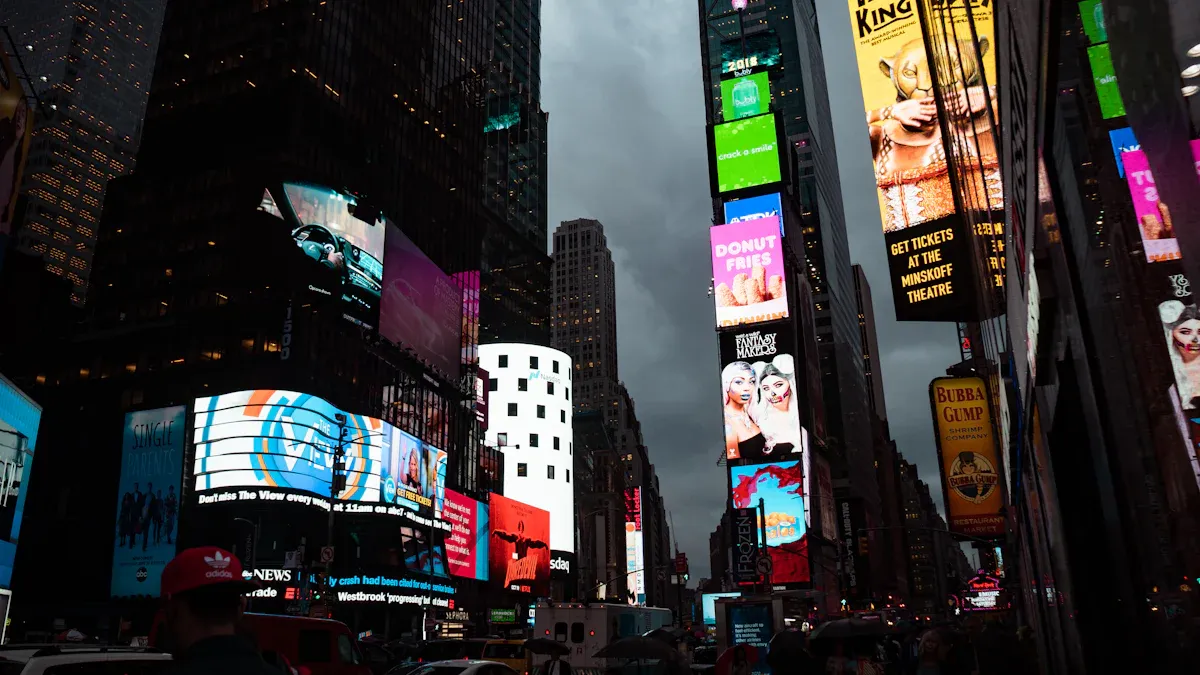
4K vs FHD at Public Viewing Distances
When you pick an outdoor digital signage screen, you want everyone to see your message. The screen’s resolution helps your content stand out. 4k screens have four times more pixels than FHD screens. This means the same space has more pixels. More pixels make images look sharper and clearer.
You will see the biggest difference on large screens in public places. 4k screens show more details in every image. People can read your message even from far away. High-resolution screens make your content look bright and crisp. You will not see blurry edges or fuzzy pictures. This matters in outdoor areas where people move and look from different spots.
Tip: The best pixel pitch for outdoor digital signage screens is between 3.9mm and 6mm. This range works well for most public spaces. A smaller pixel pitch gives higher resolution and better clarity.
Here is a simple comparison of FHD and 4k screens at different distances:
Screen Type | Clarity | Viewing Distance Impact |
|---|---|---|
FHD | Good detail and color accuracy | Okay clarity at longer distances |
4K | Very clear images with lifelike color | Much better clarity at many distances |
You can see that 4k screens are much clearer and sharper. This makes them a great choice for outdoor digital signage.
Readability and Clarity for Signage
You want your outdoor digital signage to be easy to read. Small words and detailed pictures must stay clear, even from far away. 4k screens help you do this. Higher resolution gives you sharper and more detailed images. Small fonts and tiny graphics are easier to read.
High pixel density stops images from looking blocky. Your words and pictures stay clear, even from far away.
Showing details is important for complex designs and good images.
Higher-resolution screens make your content stand out, even in bright sun or bad weather.
If you use UHD or 4k screens, you will notice a big difference in image detail. Your message will look neat and easy to read. High-resolution screens give you the best image quality for outdoor digital signage. You can trust your screen to show clear and sharp images every time.
Content Quality in Digital Signage

4K Resolution Impact on Outdoor Content
You want your outdoor digital signage to look great. 4k resolution has four times more pixels than FHD. This lets your screen show a lot more detail. With 4k, images look sharper and clearer. People can see the difference, especially up close or on big screens.
4k screens can also make lower quality content look nicer. Many screens use special tech to improve images. For example, Samsung’s Crystal Processor 4K can make lower quality images look almost like real 4k. This makes pictures clearer and sharper. It fixes edges and removes grainy spots. Your message stays easy to see, even in bright sunlight.
Here is how upscaling works on a 4k screen:
Feature | Description |
|---|---|
Intelligent UHD Upscaling | Makes lower resolution content look close to UHD quality |
Edge Restoration | Sharpens lines and details in the image |
Noise Reduction | Removes grainy spots for a cleaner image |
Higher resolutions give you better image quality. Your screen will show clear words and pictures, even if the original was not made for 4k. This helps your digital signage look neat and easy to read.
You can also see how 4k and FHD compare outside:
Feature | FHD (1920 x 1080) | |
|---|---|---|
Brightness | 350 nits | 400 nits |
Contrast Ratio | 5000:1 | 3000:1 |
Refresh Rate | 120Hz | 60Hz |
Pixel Density | 102 PPI | 51 PPI |
Picture Quality | Superior image quality with vibrant colors and deep blacks | Good image quality for outdoor environments with high brightness and anti-glare features |
Price | Approximately $700 | Approximately $500 |
A 4k screen has more pixels and better contrast. You see more details and brighter colors. This makes your outdoor screen stand out in any weather.
Note: High-resolution screens do more than sharpen images. They help your content stay bright in sunlight and from many angles.
Best Content Types for Each Resolution
You should match your content to your screen’s resolution. Some things look much better on a 4k screen. Others are fine on FHD.
Text: Small words and fine print look clearer on 4k. You can use smaller fonts and still read them. This is good for menus, schedules, or instructions.
Graphics: Logos, icons, and detailed graphics look sharper on higher-resolution screens. Your brand colors and shapes stay true, even on big screens.
Video: High-definition videos look smooth and real on 4k. You see every detail, from faces to backgrounds. This makes your message more interesting.
Simple Images: If you use basic images or big color blocks, FHD is enough. You do not need 4k for simple designs.
Here is a quick table to help you choose:
Content Type | Best for FHD Screen | Best for 4K Screen |
|---|---|---|
Large Text | ✔️ | ✔️ |
Small Text | ✔️ | |
Detailed Graphics | ✔️ | |
Simple Images | ✔️ | ✔️ |
HD Video | ✔️ | ✔️ |
Ultra HD Video | ✔️ |
If you want the clearest images, pick a 4k screen for your outdoor digital signage. You will notice the difference in every picture and video. Your message will always look sharp, no matter where people stand or how bright it is.
Tip: Use high-resolution screens for content with lots of detail. People will see the better image quality and clarity.
Cost & Practical Factors for Signage
FHD vs 4K Signage Cost Comparison
When you choose an outdoor digital signage screen, you need to think about cost. The initial price for a 4k screen is higher than for a full hd screen. You pay more for higher-resolution displays because they offer better image quality and clarity. If you want high-resolution displays, you invest more at the start. Over time, both FHD and 4k screens need maintenance. You spend about 10–20% of your first investment each year to keep your screen working well.
Here is a table to help you compare costs:
Aspect | FHD Screens | 4K Screens |
|---|---|---|
Maintenance | 10–20% of initial investment annually | 10–20% of initial investment annually |
Power Consumption | Higher consumption | Potentially lower with efficiency |
You see that maintenance costs stay similar for both types. Power use can be lower with newer 4k screens because they use better technology. If you want to save money on energy, look for efficient models.
Tip: You can lower your long-term costs by choosing screens with energy-saving features.
Maintenance, Power, and Hardware Needs
You need to think about how long your screen will last. The lifespan depends on the type of screen and how you use it. Direct-view LED screens last over 100,000 hours. Commercial LCD screens last between 60,000 and 100,000 hours. If you run your display all day, you get about 8–11 years of use. If you use it less, it can last longer.
Here is a table showing expected lifespans:
Screen Type | Expected Lifespan (Operational Hours) | Notes |
|---|---|---|
Direct-view LED | > 100,000 | Brightness degrades to half of original output |
Commercial LCD 16/7 | 60,000 - 70,000 | About 10 years at 16 hours daily |
Commercial LCD 24/7 | 70,000 - 100,000 | 8-11 years of continuous operation |
You need to check your screen often to keep image quality high. Dust, weather, and sunlight can affect clarity and sharpness. You also need to think about hardware. Higher resolutions need better processors and graphics cards. If you want the best image detail and clarity, you must invest in strong hardware.
Note: Regular cleaning and updates help your digital signage keep its image quality and clarity for many years.
You make a smart choice when you balance cost, lifespan, and quality. If you want the best viewing experience and image, you may pay more for higher resolutions. If you need simple displays, FHD screens can save you money.
Use Cases for Outdoor Digital Signage Screen
When FHD Is Enough
You do not always need the highest resolution for your outdoor digital signage screen. Many places use FHD screens and still get good results. FHD is a smart choice when your content is simple or people stand far away. It works well for clear words, basic pictures, and normal videos. Here are some times when FHD is enough:
School directories and campus signs help people find their way.
Bus stops and transit stations show times and routes.
Stores and malls use screens for sales and deals.
Parks and public spaces show rules, maps, and events.
Amusement parks guide guests with signs and safety tips.
Restaurant drive-thru menus show food choices and prices.
Tourist spots give information and directions.
Outdoor sports places display scores and news.
Product ads use simple pictures and big words.
You can count on FHD screens for these uses. They give good picture quality and clear images without costing too much. You do not need higher resolutions for simple content or when people are far away.
When 4K Is Worth It
You should pick a 4k screen when you want the best image quality and clarity. Higher resolution really helps with detailed pictures and complex graphics. You see the difference when people stand close or when the sun is bright. Here is a table that shows when 4k is worth it:
Scenario | Description |
|---|---|
High Brightness Visibility | You get clear visuals even in direct sunlight. |
Short Viewing Distance | Viewers see more image detail when they stand close to the screen. |
Complex Content Display | You show intricate graphics, such as jewelry or high-end clothing ads. |
You find 4k screens in stores, especially for fancy items. You also see them in hospitals, schools, and transportation. These places use 4k screens to share information and make things easy to read. You get better pictures and clearer words for ads, events, and news. Higher resolutions help your content stand out and grab attention.
Tip: Pick a 4k outdoor digital signage screen if you want every image to look sharp and colorful.
Quick Guide to Choosing Resolution
Decision Checklist for Digital Signage
You want your outdoor screen to work well and last a long time. Use this checklist to help you pick the right screen for your needs. Each step helps you focus on what matters most for image quality and clear messages.
Define the Purpose
Decide if your screen will show ads, information, or branding. The purpose shapes your content and the type of display you need.Assess the Location
Measure how far people will stand from the screen. Large spaces or distant viewing need a bigger screen with higher resolution for sharp images.Check Brightness
Make sure your screen has high brightness, over 2500 nits, so people can see the image even in direct sunlight.Review Display Quality
Look for a display with strong image quality. A 4K screen gives you better clarity and detail, which helps your message stand out.Test Durability
Choose a screen with an IP66 rating and UV-stabilized parts. This keeps your screen safe from rain, dust, and sun.Confirm Power and Service
Check that you have a grounded power source close to the screen. Make sure you can get fast service if the screen needs repairs.Evaluate Content Workflow
Think about how often you will update the image or video. If you plan to change content every week, make sure your team can handle it.
Here is a quick table to help you compare FHD and 4K screens:
Feature | FHD Screen | 4K Screen |
|---|---|---|
Image Quality | Good | Superior |
Viewing Distance | Farther | Near or Far |
Display Size | Medium | Large |
Brightness | High | Very High |
Tip: Always match your screen’s resolution and display quality to your location and content needs. This helps you get the best image every time.
You will see the best results with a 4K outdoor digital signage screen. The images look clear and details are sharp, so your message stands out. This helps your marketing work better. Before you choose, think about how easy it is to see, how good the content looks, how much it costs, and what you will use it for. More businesses want 4K screens now because they want better displays and smarter ads. Use the checklist above to help you pick the right screen for what you need.
FAQ
What is the main benefit of 4K outdoor digital signage?
You get sharper images and clearer text with 4K screens. This helps your message stand out, even from far away. People notice details and colors more easily.
Can you use FHD screens for outdoor advertising?
Yes, you can use FHD screens for outdoor ads. FHD works well for simple content, large text, or when viewers stand far away. You save money with FHD screens.
Do 4K screens use more power than FHD screens?
Newer 4K screens often use energy-saving technology. You may find that some 4K models use less power than older FHD screens. Always check the specs before you buy.
How do you keep outdoor digital signage working well?
Clean the screen often.
Check for dust and water damage.
Update software when needed.
Inspect cables and power sources.
Regular care helps your screen last longer and keeps images clear.
Is 4K worth the extra cost for outdoor signage?
If you want the best image quality and need to show detailed graphics or small text, 4K is worth the extra cost. For simple displays, FHD may be enough.
See Also
Evaluating Indoor And Outdoor Digital LED Signage Displays
Best 10 Digital Signage Screens For Commercial Use
Integrating Digital LED Displays For Enhanced Signage
Exploring Various Display Technologies For Digital Signage
In-Depth Comparison Of Digital Signage Systems For Enterprises
