What Are the Main Features of Modern Digital Signage Displays

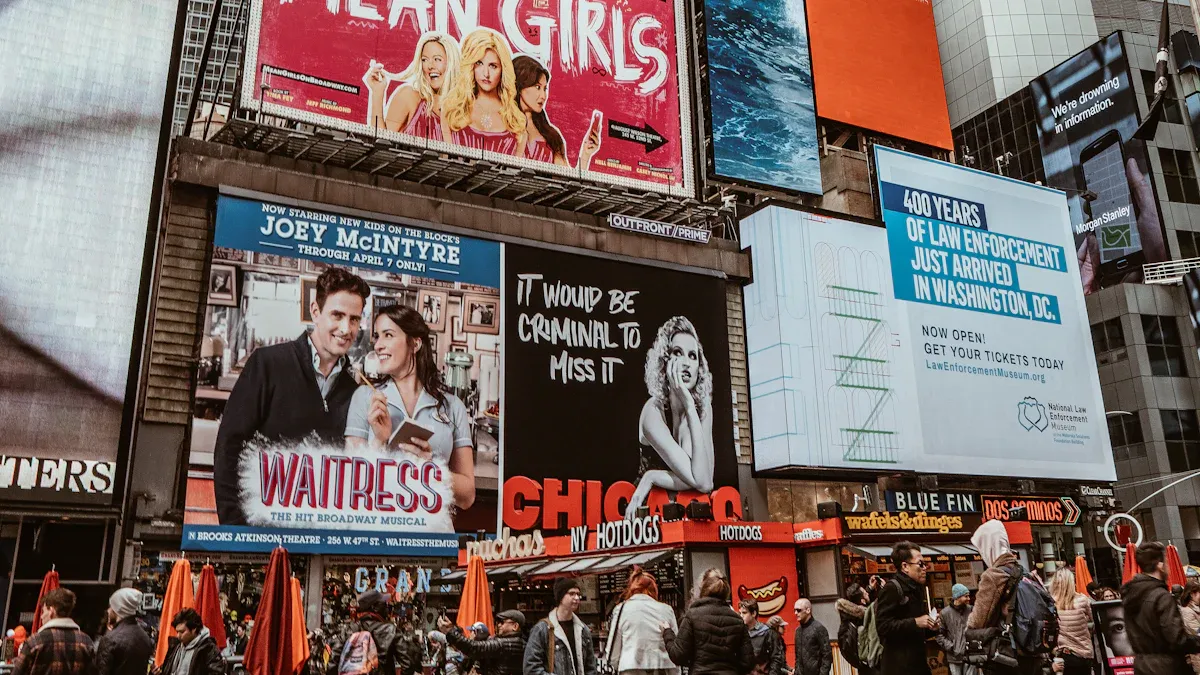
Modern Digital Signage Display systems have features that help you get results.
Feature | Benefit for You |
|---|---|
Dynamic content | Gets people’s attention and changes messages for your audience |
Real-time updates | Shares new information so your messages stay important |
Interactive features | Makes people want to join in and helps customers have a better time |
Seamless integrations | Links with apps and live data for displays that are always current |
User-friendly software | Makes it easy to handle content and set times in different places |
Multi-screen support | Lets you show messages on many screens at once |
Remote access | Lets you change content from anywhere, which saves time and work |
You get tools that help you change content fast, get people interested, and run displays well. These features let you send messages to the right people and make your communication better.
Key Takeaways
Dynamic content catches people’s eyes and keeps messages new for viewers.
High-resolution and bright screens make displays clear and fun to look at, even in crowded places.
Commercial-grade media players work well for many hours, so your displays last longer.
A user-friendly content management system lets you update and schedule easily, which saves time and effort.
Interactive features like touchscreens and social media make displays more fun and interesting for people.
Key Digital Signage Display Features

High-Resolution and Large Screens
High-resolution screens make digital displays look great. These screens show sharp pictures and clear words. People can see your content from far away or close up. If you match your video to the screen’s resolution, like 1920×1080 or 3840×2160, your images will not look blurry. Your content looks neat and professional. High contrast helps people read your content easily. This works well in busy places like airports and malls.
High-resolution digital signage display screens help you:
Show clear images and videos that catch eyes.
Make your content easy to read in any light.
Keep people interested and help them remember your messages.
Large screens let you reach more people at once. Transportation hubs use high-resolution digital displays for updates about arrivals and departures. Retail stores use big screens for sales and to help customers. The right screen size and resolution keep your content easy to see and fun to watch.
Brightness and Durability
Brightness is important for digital signage displays. If screens are too dim, people cannot see your content well. This is a problem outdoors. Outdoor digital displays need at least 1,500 nits of brightness. This helps your content stay clear in sunlight. More brightness fights glare and makes your content easy to see in any weather.
Tip: Pick digital signage display screens with weatherproofing and high brightness for outdoor use. This keeps your content easy to see and your screens safe from rain, dust, and heat.
Here is a quick look at industry standards for brightness and durability:
Feature | Outdoor Standards | Indoor Standards |
|---|---|---|
Weatherproofing | IP65+ | N/A |
Operating Temperature | -4°F to 122°F | N/A |
Brightness | 1,500-5,000 nits | N/A |
Cost | $3,000-8,000 per 55-inch display | $1,200-2,500 per 55-inch display |
Durability matters for places with lots of use. Bus shelters use outdoor digital displays for maps and schedules. These screens need to work in rain, snow, and heat. If you pick strong digital signage display screens, your content stays clear and your screens last longer.
Commercial-Grade Media Players
Commercial-grade media players help your digital signage display work well. These devices are made for long hours and tough places. Consumer TVs are not built for this. Commercial digital displays can run 16 to 24 hours every day. They last up to 60,000 hours. You do not have to worry about overheating or breaking down.
Commercial-grade media players offer:
Reliable performance for digital displays that run all day.
High brightness, up to 2,500 nits, for clear content in bright places.
Advanced digital signage features like remote management and content scheduling.
Feature | Commercial-Grade Displays | Consumer-Grade Displays |
|---|---|---|
Durability | Built for long use, strong materials | Made for home use, not as strong |
Brightness | High brightness (2000 nits for outdoor) | Lower brightness (250-300 nits) |
Longevity | Lasts 50,000-60,000 hours | Shorter life, can overheat |
Advanced Features | Remote management, content scheduling | Fewer features, no advanced integration |
Many businesses use these digital signage features. Restaurants use digital displays to update menus and promotions fast. McDonald's saw a 3.5% sales boost after switching to digital menu boards. Sports bars use interactive digital displays to get people talking and keep them interested. Healthcare centers use strong digital signage display screens to share safety messages during emergencies.
When you pick commercial-grade media players, your content runs smoothly. Your digital signage display works well every day. These features help you manage your displays easily and keep your audience informed.
Content Management System and Scheduling
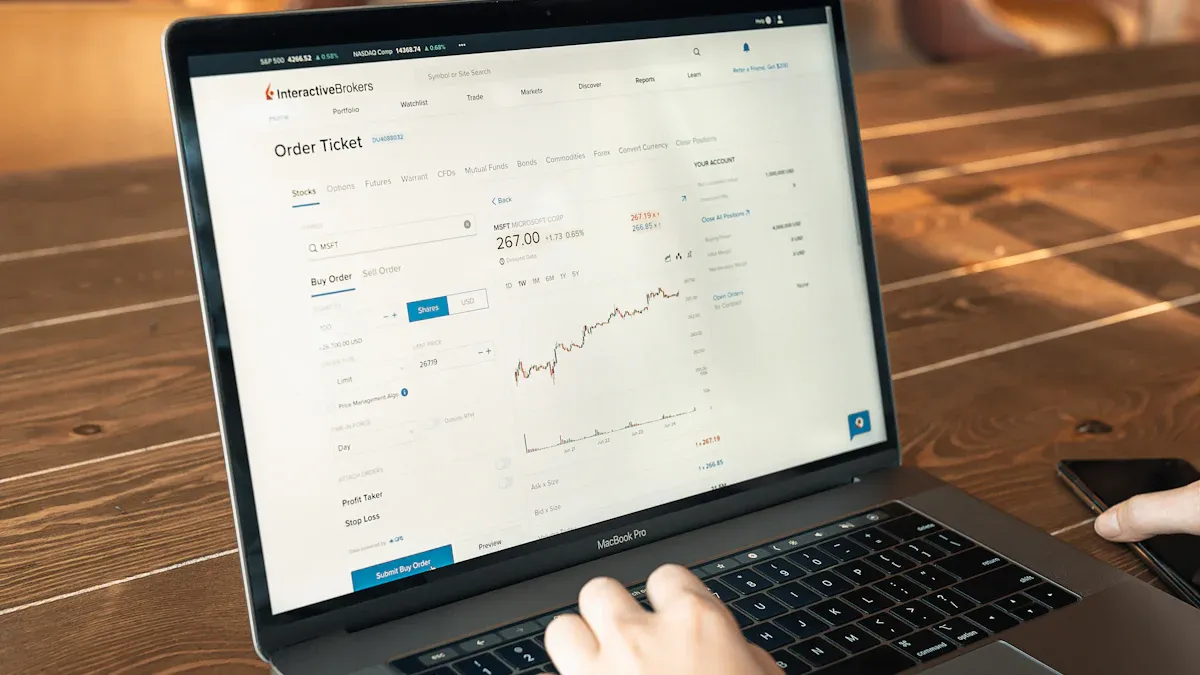
A content management system helps you control your digital signage content. You can make, organize, and change your content easily. You do not need special computer skills. This system helps you run interactive displays. It makes sure your messages reach the right people. You can change your content for different places and times. This makes your communication work better.
Multi-Format Content Support
You need a system that works with many types of content. You can use images, videos, and audio to make your displays interesting. Dynamic content integration keeps your screens fresh and fun.
Content Type | Description |
|---|---|
Audio | Works with many audio formats |
Video | Plays third-party video formats |
Image | Uses different image formats |
Multi-format support lets you change displays for different businesses. Stores can show product videos and sales. Offices can show news and safety tips. Public places can use animations and pictures to help visitors. You can update your content easily. This keeps your displays useful for everyone.
You can show images, videos, and animations.
Centralized systems let you update displays fast.
You can switch old print signs to digital ones.
Dynamic Content Scheduling
Dynamic scheduling lets you pick when and where messages show. You can set your content for busy times, like lunch or events. This helps you reach the right people and get more attention.
Evidence Type | Description |
|---|---|
Audience Tailoring | You can change messages for different groups. |
Timing Optimization | You can show content at busy times. |
Real-time Data Integration | You can use live data to keep content fresh. |
Content Diversity | You can use many formats for different tastes. |
Continuous Monitoring | You can check how well your schedule works. |
You can show different messages on many screens at once. Scheduling saves time and cuts down on manual work. You can spend more time making good content. Changing schedules for different groups helps you keep displays interesting.
Remote uploads make your system quick.
Scheduling for many screens makes things easier.
Centralized management keeps updates the same everywhere.
Automation cuts down on manual work.
A central library makes scheduling simple.
Changing schedules for groups makes content better.
Automation lets you set updates ahead of time.
Staff can make content instead of uploading files.
Keeping your brand the same is easier.
Centralized and Remote Management
Centralized and remote management gives you more control. You can change messages on all screens fast. You can react to trends or special events. You can make content for each place but keep your brand the same.
You can change messages on all screens quickly.
You can make special plans for each place and keep your brand.
You can add new media or features as tech changes.
Centralized access control keeps your system safe. You can give roles to your team. Only the right people can change content or settings. This stops mistakes or wrong changes.
Stores can change sales signs fast.
Fashion shops can change messages for new trends.
Sports bars can change specials during games.
A simple content management system and remote monitoring help small businesses use digital signage. You do not need tech experts. You can run displays from anywhere. Real-time data lets you change your content and keep screens up to date.
Remote uploads and centralized management make work faster. Scheduling for many screens saves time. Automation lets you set updates and keep your brand the same. You can focus on making good content and personalizing it. This makes your digital signage work better.
Integration and Interactivity in Digital Signage
Social Media and Live Feeds
You can make displays more fun by linking them to social media and live feeds. This lets you show posts from places people already use. Your screens stay new and interesting with updates that happen right away. People trust what others post, so your screens seem more honest. You can show popular posts, reviews, or updates from events. This makes your digital signage more lively and lets people join in.
Benefit | Description |
|---|---|
Engaging Content | Social media links bring in viewers who like those apps. |
Credibility Boost | Posts from users help people trust your messages. |
Freshness | Live feeds keep your screens new and exciting. |
You can show news, weather, or sports scores as they happen. This helps you share the right info with different groups and places.
Interactive Elements and Touchscreens
Interactivity changes how people use digital signage. You can add touchscreens, QR codes, or gesture controls to make displays more fun. These tools let people talk back to the screen. People can look at products, check prices, or buy things right there. In stores, shoppers find what they want faster. In schools, students get maps and event info. At bus stations, people use kiosks for tickets and travel news.
Evidence Description | Impact on Engagement |
|---|---|
Interactive features like QR codes and touchscreens | Makes people use the screens longer |
Live updates and promotions | Keeps screens fresh and stops boredom |
Touch-enabled displays for direct exploration | Gets people to touch and look more |
Stores: Shoppers can see details and buy online.
Schools: Students get info about events and directions.
Transportation: People see travel times and buy tickets.
You can use live deals and changing content to keep people watching. Interactivity helps you learn what people like, so you can make your screens better and get more value.
Multi-Screen and Scalability Features
Digital signage can grow as your business gets bigger. You can run many screens in different places using cloud systems. This makes it easy to add new screens without spending a lot. You can group screens, set up automatic schedules, and check if screens work well. Central control helps you keep your brand the same everywhere. You can give team members special roles for safety.
Requirement Type | Details |
|---|---|
Network Infrastructure | Lets you grow and show many types of content. |
Security Protocols | Keeps your network and info safe with codes. |
Hardware Selection | Uses strong media players for easy control. |
Automatic setup helps you add screens quickly.
Remote control lets you change content right away.
Cloud systems help you grow and change displays.
Central control means you do not need a system for each place.
New digital signage uses AI, sensors, and smart ads. You can show content that fits each person and update it fast. Interactivity and easy growth make your digital signage a smart choice for the future.
You should pick digital signage solution features that help you share good information, let people join in, and talk with your audience in new ways. These tools help you give information that gets people involved and keeps them paying attention.
Feature | Why It Matters for You |
|---|---|
Centralized content management | Fast updates and simple control |
Enhanced interactivity and engagement tools | Gets more people to join in |
Real-time information updates | Makes sure your info is up to date |
Audience analytics and reporting | Shows how well your signs are working |
“To see if your digital signage solution works, you need to check more than if it is on. You should look at numbers that show if you are meeting your goals.”
When you pick digital signage solutions with these features, you make sharing information easy, get more people interested, and keep your displays useful as technology changes.
FAQ
What is digital signage and how does it work?
Digital signage shows ads, news, or info on screens. You use software to control what is on the screens. You can change messages from anywhere you are. Digital signage helps you reach people fast. Many businesses use it to share updates and deals.
Why should you choose digital signage over traditional signs?
Digital signage lets you change content fast. You do not need to print new signs each time. Bright screens and moving images grab attention. You can show videos, news, or social media posts. Digital signage saves you time and money.
Can digital signage help your business grow?
Yes, digital signage helps your business get more customers. You can show sales, events, or menus on screens. Digital signage makes your brand look modern and fresh. Many stores use it to boost sales and share news.
How do you manage digital signage content?
You use a content management system to handle digital signage. This system lets you upload, schedule, and change what is on screens. You can control everything from one place. Digital signage software keeps screens fresh and updated.
Is digital signage hard to install and use?
Digital signage is simple to set up. You connect screens and media players together. You use software to add your content. Many systems have guides and support to help you. You can start with little training. Digital signage works for any business size.
See Also
Understanding Digital Signage Displays and Their Functionality
Utilizing Digital Signage to Effectively Share Information
Exploring LED Displays in Digital Signage: Uses and Advantages
