LED A1 Light Box vs. Smaller Sizes: When to Upgrade for Professional Projects and Large-Scale Tracing

You might wonder if you need to upgrade to a led a1 light box for your creative work. Think about the size of your projects and the space where you work. The right size can improve your workflow and the quality of your results. When you choose the correct light box, you match its size and features to your main purpose. For example, large projects or detailed tracing need more workspace and brightness. Always check if the light box fits well in your studio.
Key Takeaways
Consider upgrading to a LED A1 light box if you work on large or detailed projects. It provides a wide, bright surface for better visibility and accuracy.
Smaller light boxes, like A2 or A3, are great for compact tasks. They are portable and easy to store, making them ideal for students and hobbyists.
Choose a light box that matches your project size. A larger light box helps you trace without moving your paper, saving time and improving focus.
Brightness is key for tracing. A light box with adjustable brightness helps reduce eye strain and improves your ability to see fine details.
Regular maintenance of your light box extends its life. Clean it weekly and check for any damage to ensure it works well for your projects.
Is an LED A1 Light Box Upgrade Necessary?
Who Needs a Large Lightbox
You may need a large lightbox if you work on big or detailed projects. Many professionals use a led a1 light box because it gives you a wide, bright surface. This helps you see your work clearly and trace with accuracy. You will find these light boxes in many fields, such as:
Fashion design
Graphic design
Photography
DIY and craft
Art and animation
Architecture and engineering
Education
Conservation
Mobility
If you work in one of these areas, you often handle large sheets of paper or need to trace fine details. A large lightbox lets you lay out your whole project at once. You do not have to move your paper around. This saves you time and helps you keep your lines straight.
Studies show that using an LED light box can make you more accurate and productive. One study found that LED lighting improved visual and cognitive tasks by 8.3%. People reacted faster, felt less tired, and worked with more energy. Another study showed a 33% improvement in mood and a 5.76% increase in work efficiency. You can finish your projects faster and with better results.
Tip: If you want to work on group projects or need to trace large blueprints, a large lightbox gives you the space you need.
When Smaller Sizes Work
You do not always need the biggest lightbox. Smaller sizes, like A2, A3, or A4, work well for many tasks. If you draw comics, trace photos, or do small crafts, a compact lightbox is easy to use and store. You can carry it to class or move it around your home.
However, smaller light boxes have some limits. The table below shows the main problems you might face:
Limitation | Explanation |
|---|---|
Size Compatibility | Smaller light boxes may not accommodate larger paper sizes, leading to suboptimal results. |
Movement of Paper | Users often have to move the paper around, which is not ideal for precision in tracing projects. |
If you only work on small pieces, these limits may not matter. You can finish your work without trouble. But if you want to trace posters, blueprints, or large art, you may find a small lightbox frustrating.
Note: Choose a lightbox that matches the size of your usual projects. This helps you work faster and keeps your workspace tidy.
LED A1 Light Box vs. Smaller Sizes: Key Differences

Workspace and Project Size
You need enough space for your tracing and drawing projects. The size of your lightbox affects how you work. If you use a led a1 light box, you get a large surface. This helps you trace posters, blueprints, or big art pieces without moving your paper. You can finish your work faster and keep your lines straight.
If you use a smaller lightbox, like A2, A3, or A4, you may need to shift your paper often. This can break your focus and make your tracing less accurate. You might find it hard to keep your drawing clean and neat.
Here is a table that shows the main differences between lightbox sizes:
Model | Size | Brightness | Power Source |
|---|---|---|---|
A1 | Large | Moderate | Wall Charger |
A2 | Largest | Less Bright | Wall Charger |
A3 | Medium | Moderate | Wall Charger |
A4 | Smallest | Brightest | Wall Charger |
A large workspace lets you see your whole project at once. You do not need to fold or cut your paper. You can use the best lightbox for tracing if you want to work on professional or group projects.
Tip: Choose a lightbox for tracing and drawing that matches your usual paper size. This keeps your workspace tidy and helps you stay organized.
Brightness and Detail
Brightness matters when you want to see every detail in your tracing. A led lightbox gives you even light across the surface. This helps you spot fine lines and tiny marks. If you use a drawing light box with high brightness, you can trace through thick paper or several layers.
Smaller lightboxes, like A4, often have the brightest light. This works well for small, detailed projects. If you use an A1 or A3 lightbox, you still get enough brightness for most tracing and drawing tasks. You can adjust the light on many models. An adjustable lightbox helps you set the right level for your eyes and your project.
You need good visibility for technical drawings, animation cells, or fashion sketches. A large lightbox for tracing and drawing gives you a clear view of your work. You can check every line and shape before you finish.
Note: Using a light box with the right brightness can reduce eye strain and help you work longer.
Usability and Portability
You want a lightbox that fits your workflow. If you use a led a1 light box, you get a stable and wide surface. This is great for studio work or group projects. You can lay out many sheets or work with others at the same time.
A smaller lightbox is easy to carry. You can take it to class, a workshop, or a friend's house. If you need to move your workspace often, an A4 or A3 model is a good choice. These sizes fit in a backpack or drawer.
Here are some points to consider:
Large lightboxes are heavier and need more desk space.
Small lightboxes are portable and simple to store.
All sizes use a wall charger, so you need a power outlet nearby.
If you want the best lightbox for sketching, think about where you work most. Studio artists often choose large models. Students and hobbyists may prefer small, portable options.
Tip: Using a light box that matches your space and workflow can make your tracing and drawing more enjoyable.
Best Lightbox for Tracing: Project Scenarios
Professional Art and Illustration
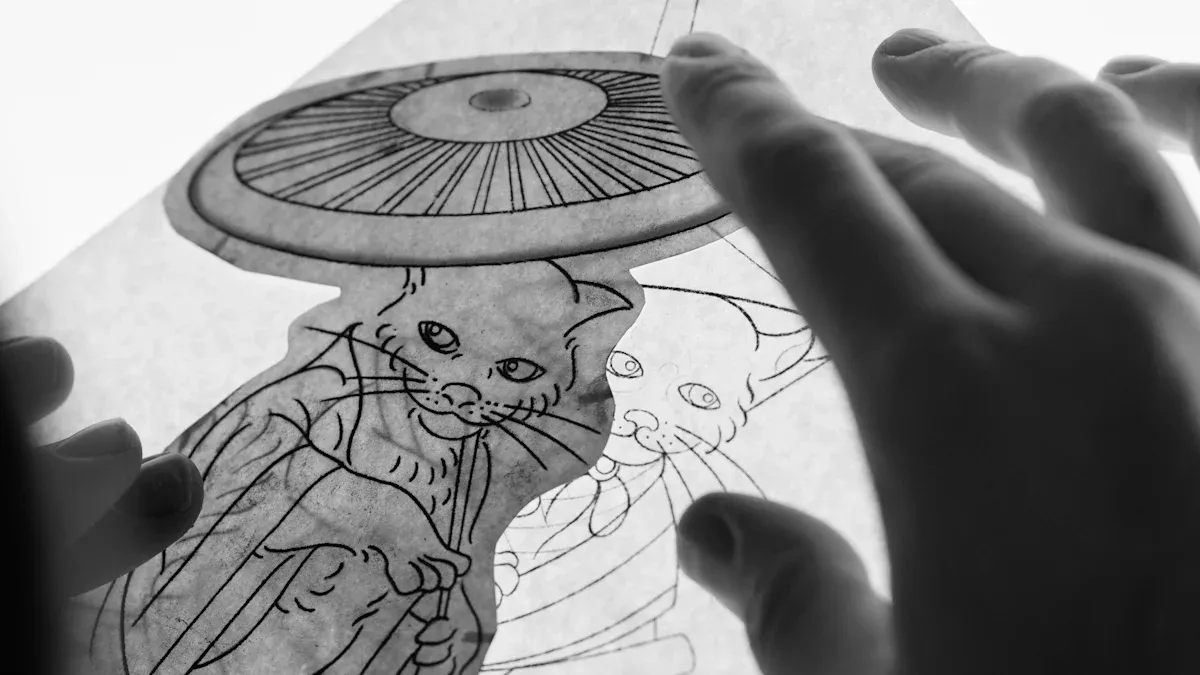
You want your art to look great. The best lightbox for tracing gives you a bright, even surface. Many artists use a led a1 light box for big canvases or hard drawings. You can see your lines clearly. There are no shadows or glare. This helps you draw smooth and neat pictures. The table below explains why professionals like this tool:
Advantage | Description |
|---|---|
Energy Efficiency | LED bulbs use much less energy than regular bulbs, so you save money. |
Long Lifespan | LED bulbs last a long time, so you do not need to change them often. |
Uniform Illumination | The light is always the same, so you can see your art better. |
Adjustable Brightness and Color | You can change the brightness and color to fit your needs. |
UV-Free Operation | Your art is safe from UV rays, so it does not fade or get damaged. |
Easy Graphic Changes | You can quickly change displays, which helps with presentations. |
Visual Impact | Your art looks better and more people will notice it. |
You can make the light brighter or dimmer. You also keep your art safe from UV rays. Using a light box for tracing and drawing helps you finish faster and do better work.
Large-Scale Technical Drawings
You work with blueprints or big plans. The best large lightbox gives you lots of space for big papers. You do not have to move your paper. This keeps your lines straight and your tracing neat. The best lightbox for tracing helps you with maps, building plans, or machine designs. You see every mark clearly. You can trust your work.
Multi-Element and Collaborative Projects
You might work with other people or on projects with many parts. The best lightbox for tracing lets you put many pieces down at once. You can share the space with your team. This makes group work easier. The lightbox for tracing and drawing helps with projects like animation or collage. You keep everything in order. The best lightbox for sketching helps you stay focused and creative.
Tip: Pick the best light box for your main project. You will get better results and have more fun creating.
Decision Guide: Choosing the Best Light Box
Needs Assessment Checklist
You want the best lightbox for tracing and drawing. Start with a checklist to match your needs. Look at the features that matter most for your tracing and drawing projects. The table below helps you see what to check before you buy:
Feature | Description |
|---|---|
Brightness Levels | Make sure the lightbox gives enough light for tracing. Detailed work needs 50–100 foot-candles. |
Energy-Efficient LEDs | A high quality led saves energy and lasts longer. |
Durability (IP Ratings) | Pick a lightbox that resists dust and water for long use. |
OSHA Compliance | Check if the lightbox meets safety rules for your workspace. |
Maintenance Planning | Choose a lightbox that is easy to clean and keep in good shape. |
You should also think about improved visibility. A led a1 light box gives you a large, bright area for tracing and drawing. This helps you see every detail and finish your work faster.
Budget and Space Factors
You need to set a budget before you buy a tracing light box. Many people find that budget limits affect their choice. You can look for financing options if you want a bigger model. Set goals for energy savings and ask others who use the space for advice.
Space matters too. Check the table to see what to measure:
Specification | Description |
|---|---|
Outside Dimensions | Measure your desk to see if the lightbox fits. |
Graphic Size | Make sure the lightbox holds your usual drawing paper. |
Visual Opening | The lit area should match your tracing and drawing needs. |
A large lightbox for tracing and drawing needs more room. If you move your workspace often, a smaller drawing light box may work better.
Long-Term Value
You want a lightbox that lasts. A led lightbox can work for 50,000 to 100,000 hours, or up to 11 years. This is much longer than older models. Using a light box with adjustable brightness helps you save energy and protect your eyes. The best lightbox for sketching gives you value for many years.
When you ask how to choose the best lightbox, think about your main projects. A lightbox for tracing and drawing supports both tracing and drawing tasks. You get better results and enjoy your creative work more.
Tip: Pick a lightbox for tracing and drawing that matches your space, budget, and project size. You will see better results and save money over time.
Practical Tips for Using a Tracing Light Box
Workspace Setup
You need a workspace that helps you work well. First, clear your desk and put your tools where you can find them. Use tape measures and levels to set up your lightbox. This helps you keep your tracing straight and neat. Put your lightbox under a lamp for even light. This stops glare and makes it easier to see. Use 5000K color temperature for most rooms. Use 3000K if you need to see tiny details. This helps your eyes feel less tired when you trace or draw for a long time.
Keep your workspace tidy so you can grab your tools fast.
Use power tools and fasteners if you want to mount your lightbox.
Make sure your tracing light box sits on a strong table.
Spread out the light so you do not get shadows.
Pick energy-saving lights and smart switches to use less power.
Tip: Clean up your workspace often. This helps you pay attention to your tracing and drawing.
Maintenance and Care
Taking care of your lightbox helps it last longer. Wipe the top and diffuser every week with a soft brush or cloth. This keeps your tracing lines easy to see. Check the vents so your lightbox does not get too hot. Make sure all wires are safe and tight.
Maintenance Frequency | Tasks |
|---|---|
Weekly | Clean the top, check vents, check wires |
Monthly | Look inside, clean shiny parts deeply |
Quarterly | Check all hardware, test if it works well |
Annual | Change old parts, set up the lights again |
Follow these steps to stop problems:
Look for damage and fix it fast.
Check wires to keep things safe.
Watch for changes in light or color.
Keep your lightbox out of direct sunlight and let air flow.
Use good parts and follow the maker’s directions.
Note: A drawing light box you can adjust gives you more control. It helps you do your best tracing and drawing every time.
You should upgrade to a led a1 light box when your tracing or drawing projects demand more space, higher brightness, and better workflow. Many users praise the lightbox for fast delivery, solid build, and easy design changes. You get the best lightbox for tracing when you match your needs to your workspace. Before you buy, consider these factors:
Brightness for visibility
Color temperature for your graphics
Energy efficiency for savings
Durability for long use
Price for your budget
Think about your main tracing and drawing tasks. Choose a drawing light box that fits your space and helps you create your best work.
FAQ
What is a lightbox and how does it help you?
A lightbox is a flat, illuminated surface. You use it to see through paper. It helps you trace images, drawings, or patterns. You get clear lines and better results.
Can you use a lightbox for tracing on thick paper?
Yes, you can use a lightbox for tracing on thick paper. Choose a model with strong brightness. This lets you see lines through heavy sheets. You get better visibility and accuracy.
How do you clean and care for your lightbox?
Wipe your lightbox with a soft cloth. Avoid water near the power source. Check wires and vents often. Clean the surface weekly. This keeps your lightbox working well and helps you get clear results.
Is a lightbox safe for kids and beginners?
A lightbox is safe for kids and beginners. You get a simple tool with easy controls. Most lightboxes use LED lights, which stay cool. You can use them for school projects or art at home.
What size lightbox should you choose for your workspace?
Pick a lightbox that fits your desk and project size. If you work on large drawings, choose a bigger lightbox. For small crafts, use a compact lightbox. You get better comfort and results.
See Also
Essential Tips for Achieving Professional Acrylic Light Box Quality
Understanding Acrylic Light Boxes: Uses, Advantages, and Choosing Tips
Exploring Acrylic LED Light Boxes: Varieties, Uses, and Setup
Key Specifications and Performance Aspects of Acrylic Light Box Panels
