Indoor Digital Signage Display Buyer’s Guide for Businesses in 2026

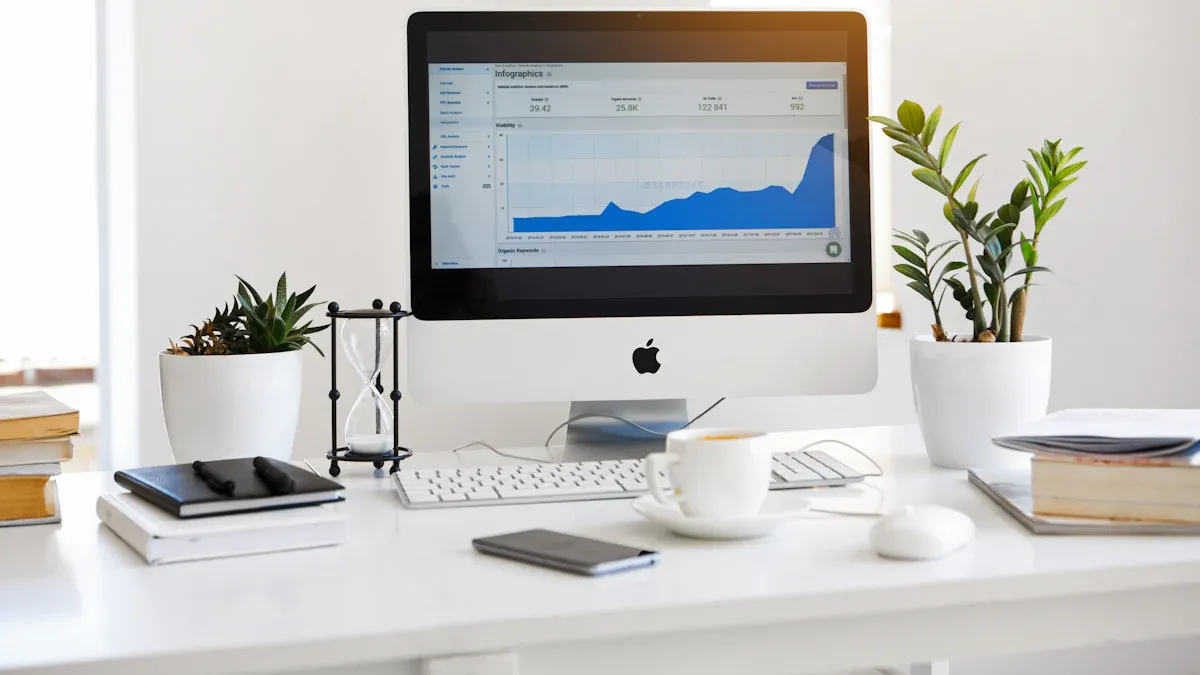
You want your business to get noticed with the best indoor digital signage display, but picking one can be hard. Many buyers make expensive mistakes. Some choose displays just because of size. Some forget about how easy it is to see the screen. Others do not think about how strong the cabinet is or if help is available after buying. A good digital signage company helps you stay away from these problems. This guide gives you the facts to help people pay attention, pick the right indoor display, and get the most from your digital purchase with confidence.
Key Takeaways
Pick commercial-grade displays for strong build and good performance. They last a long time and show bright images in busy places.
Choose the right screen size for how far people will be. Use suggested sizes so everyone can see your messages easily.
Think about where to put screens. Place displays at eye level in busy spots to help more people see them.
Get a content management system that is easy to use. This lets you change content quickly and keeps your displays up to date.
Look at costs and support you will need later. Plan for repairs and pick a provider who helps you after you buy.
What Are Indoor Digital Signage Displays?
Definition and Core Functions
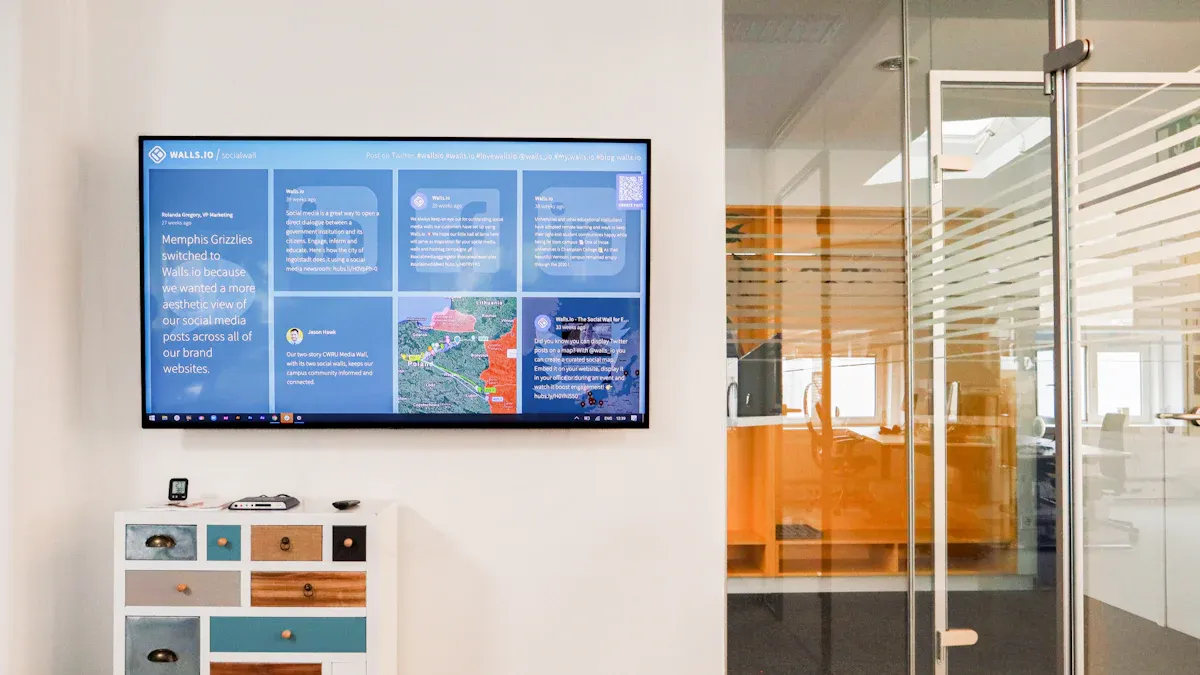
Indoor digital signage displays show ads, messages, or information on screens inside your business. These screens help you get people’s attention and share things with them. You can change what is on the screen fast. You can show videos, pictures, or live updates.
Industry rules help you set up and check your digital signage screens. The table below explains some main jobs:
Guideline Type | Description |
|---|---|
Screen placement and viewing angles | Helps you put screens where people can see them best. |
Content duration recommendations | Tells you how long each message should stay for best results. |
Measurement methodologies | Shows you ways to see if people notice your screens. |
Audience measurement | Lets you count how many people look at your screens. |
Ad delivery verification | Makes sure your ads show up when they should. |
Network transparency | Keeps your ad network open and honest. |
Campaign reporting | Helps you check how well your ads are doing. |
Main Types of Digital Signage Displays
There are different kinds of digital signage hardware for inside spaces. Each kind has special features. The table below lists the main types you will see in 2026:
Type of Display | Key Features |
|---|---|
LCD | Costs less and works for most ads. |
LED | Shows bright, clear pictures and is used a lot now. |
OLED | Gives the best picture for cool-looking ads. |
Video Walls | Lets you make big screens for busy places. |
Transparent LED Screens | Saves power and lets you see through while showing things. |
Why Choose Commercial-Grade Solutions
You want your screens to last and work well. Commercial-grade screens are better than regular ones. The table below shows how they compare:
Advantage | Commercial-Grade Displays | Consumer-Grade Displays |
|---|---|---|
Durability | Made for long use and tough jobs | Break faster if used a lot |
Brightness | Stay bright even in rooms with lots of light | Hard to see in bright rooms |
Features | Have extra tools like special software | Only have simple features |
Support | Get help from your signage company | Not much help or support |
ROI | Save money because you replace them less | Cost more over time |
Tip: Pick commercial screens for your business if you want them to work well and last longer.
Commercial screens work all day and every day. They have strong parts and cool better. This means your screens will keep working, even in busy or tough indoor places.
Key Features of Indoor Digital Signage Display
Screen Size and Placement
Picking the right screen size is important. The size helps people see your messages. If the screen is too small, people far away cannot read it. If the screen is too big, it may not fit well. A big screen can also distract people.
Use this table to match screen size with how far people are:
Viewing Distance (feet) | Recommended Screen Size (inches) |
|---|---|
3-6 ft | 32-43 |
7-15 ft | 46-55 |
15+ ft | 55-75+ |
Think about where you put your screens. Put screens at eye level. Make sure nothing blocks the view. In offices, clear screens help people see details. Use big text so everyone can read it. Try to use 1 inch of text for every 4 feet away.
Tip: Make sure your screen size fits your room and your content.
Resolution and Brightness
Resolution and brightness help your images look clear. High resolution makes words and pictures easy to see. Most businesses use 4K resolution. If you want even sharper images, pick 8K displays.
Here is a guide for pixel pitch and where to use it:
Pixel Pitch Range | Application Area | Resolution Quality |
|---|---|---|
2.5mm to 3.9mm | Retail, Hospitality, Office | Balanced image quality and cost |
1.2mm to 1.9mm | Boardrooms, Feature Video Walls | Higher resolution for close viewing |
Brightness matters too. Busy places need bright screens. Bright screens help people see messages, even in sunlight. High-brightness LED displays work well in bright rooms.
Bright screens make your content easy to see.
Use brighter screens in lobbies, shops, and busy halls.
Color Quality and Contrast
Color and contrast help your messages stand out. High contrast makes words easy to read. Good colors can set the mood or make things feel urgent.
Use colors like white text on dark blue or black text on yellow.
Do not use colors that are hard to see together.
Try the 3x5 rule: three lines of five words or five lines of three words.
Show one main idea on each screen to keep things simple.
Note: Strong contrast and smart colors make your digital signage better.
Durability and Interactivity
You want your screens to last a long time. Durability means your screens keep working in busy places. Commercial screens have strong parts and last longer. They keep their colors and finishes looking good. It is easy to clean and fix them, so you save money.
Durability Standard | Description |
|---|---|
Brand Consistency | Colors and finishes stay the same over time. |
Maintenance Efficiency | Easy to clean and fix. |
Environmental Resilience | Handles sun, humidity, and indoor weather. |
Compliance Confidence | Meets safety and access rules. |
Sustainability Goals | Uses eco-friendly materials and low-energy lights. |
Interactive screens add more value. Touch screens let people look at menus or find info. Interactive features help people use your screens more.
A digital signage company can help you pick the best screens for your business. They know which features are most important for you.
Installation and Indoor Placement
Mounting Options
You have many ways to mount an indoor digital signage display. Ceiling mounts work well when you have limited wall space. You can adjust the height and set up different layouts, like one row of screens or several stacked together. Wall mounts let you place displays flush against the wall. You can line up two, three, or four screens side by side. Wall mounts work on many surfaces, such as wood or concrete. Both options help you keep your business safe by securing the screens and following safety rules.
Tip: Place your screens where people walk, wait, or look most often. Analyze foot traffic and viewing angles before you install anything. Position screens at or just above eye level. Angle them so people can see from different directions. High-traffic spots like entrances, lobbies, and waiting areas give your content the most exposure.
Mobility and Space Use
You want your digital signage hardware to reach as many people as possible. Walk through your space like a visitor. Check if anything blocks the view or makes it hard to see the screens. Test different angles and distances. Place displays in spots where people stop, such as elevator lobbies or cafes. These are called dwell zones. When you understand how people move in your building, you can put screens where they will get the most attention. This helps your digital signage company design a setup that fits your needs.
Environmental Factors
You must think about the environment inside your building. The table below shows what to consider:
Environmental Factor | Description |
|---|---|
Effects of Light | Brightness and glare can make screens hard to see. Choose displays with the right brightness for your lighting. |
Steam Damage | In places like kitchens, steam can hurt electronics. Protect your screens from steam to keep them working. |
Unique Architecture | Walls, pillars, or windows can block screens. Plan your placement so everyone can see your content. |
A commercial indoor display with high durability will last longer in tough spots. Interactive screens also need safe and easy access. Good planning helps your signage work well and keeps your investment safe.
Content Management Guide
Choosing CMS Software
You need a good content management system for your indoor digital signage display. The right CMS helps you plan, change, and organize your content easily. The best digital signage software has tools to help your business grow. It also keeps your screens looking new and interesting. Use this table to see what features matter most:
Feature | Description |
|---|---|
Content Scheduling | Lets you set up campaigns and switch menus automatically. This saves time and stops mistakes. |
Multi-Zone Layouts | Breaks the screen into parts for different things. This makes people pay more attention. |
Data Security | Keeps your information safe with special codes and rules. |
Integrations | Works with POS, CRM, and social media for quick updates. |
Analytics | Watches how people use your screens and helps you do better. |
Interactivity | Lets people touch the screen for a better experience. |
Customization | Uses templates to match your brand and change for new deals. |
A digital signage company can help you pick a CMS that works for you. Make sure the system works with your hardware and supports commercial displays.
Connectivity and Integration
Connectivity and integration are important for every indoor digital signage display. You want your screens to update quickly and work with your other business tools. Good connections let you control everything from one place. Your screens can also work with inventory, social media, and other systems. This helps your business run better and keeps your screens up to date. You can trust your digital signage software to show the right message at the right time.
User Access and Ease of Use
You want a CMS that is simple for everyone to use. Many top systems have easy controls and let many people use them. Here are some popular choices:
BrightSign: Lets you control screens from far away and uses AI tools for many businesses.
Carousel: Simple to use, good for teams, and sends emergency alerts.
Mandoe: Drag-and-drop design helps anyone make content, even without tech skills.
Xibo: Open-source and can be changed for different business needs.
Pick a CMS that fits your team’s skills. A simple system helps you update content fast and keeps your screens working well. Interactive features make your screens more fun and help you reach your goals.
Cost, ROI, and Value
Initial and Ongoing Costs
You need to know what you will pay before you buy indoor digital signage. Here are the main things to expect:
Basic screens for inside use cost $300 to $800.
Commercial displays that run all day cost $1,000 to $3,000.
It costs $200 to $500 for each screen to install. Big video walls or tricky setups can cost up to $3,000.
Mounts have different prices. Regular mounts cost more than $298. Special mounts can add $200 to $1,000 for each screen.
You should save $50 to $150 each year for cleaning and small fixes.
Tech support plans cost $100 to $500 every month. The best support can be over $1,000 a month.
Hardware care is about 10-15% of what you first paid each year.
Add these costs to your budget. This helps your digital signage work well and last longer.
Calculating ROI: Direct and Indirect Benefits
You want to get good value for your money. ROI means return on investment. It helps you see if your spending is smart. Use this formula:
ROI = (Net Profit from Digital Signage - Cost of Digital Signage) / Cost of Digital Signage x 100
Direct costs are things like design, materials, building, and putting up the screens. Ongoing costs are for fixing, cleaning, and power. Some hidden costs are for permits and insurance.
Result Type | Measurement Method | Value Calculation |
|---|---|---|
Direct | Sales increase, foot traffic | Compare data before and after installation |
Brand Value | Recognition surveys, social mentions | Assign monetary value to engagement |
Visibility | Impression counts, view duration | Calculate cost per thousand impressions |
A store made $84,000 more in one year after spending $16,950 on digital signage. The ROI was 395.6%. Other companies got more tours, filled more spaces, and made their brand stronger with indoor displays.
Warranty and Support
You want to keep your money safe. Top companies give good warranty and support choices.
Provider | Warranty Options | Support Options |
|---|---|---|
Genoptic Smart Displays | Lifetime free technical service, 100,000-hour plans | Great customer service for warranty issues |
Professional Sign Services | Great warranties, positive user reviews | N/A |
Genoptic Smart Displays has very few problems with their screens. A digital signage company can help you pick a provider with good support. Good warranty and support keep your screens working and protect your money.
Common Mistakes with Digital Signage Displays
Using Consumer-Grade Screens
You may want to save money by buying consumer-grade screens. These screens do not work well for businesses. They are not made to run all day. They can get too hot and stop working more than commercial screens. If you use them in your business, you might lose your warranty. Many makers do not cover screens used outside homes. A digital signage company will tell you to pick commercial screens. They last longer and work better for your business.
Consumer screens get hot and break after long use.
Warranties often do not pay for business problems.
Tip: Pick commercial digital signage displays for your business. This helps you avoid repairs and keeps your screens working.
Underestimating Brightness or Placement
You want people to notice your screens. Some people put displays where customers cannot see them. Bad placement means people miss your message. If your screen is not bright enough, it is hard to read. Sunlight or bright rooms make screens look dull. If the screen is too bright, it can hurt your eyes. You need to find the right spot and brightness for your screens.
Very bright screens can bother your eyes.
Note: Try your digital signage in your space before you finish installing it.
Overlooking Support and Content Management
You need good help and easy ways to change your screen content. Some businesses forget to check if their provider gives support after setup. Without help, fixing problems takes more time and money. If your system is hard to use, you waste time and miss updates. A digital signage company can help you find easy solutions.
No support means screens stay broken longer.
Hard systems make updates slow.
Good help and easy tools save your money.
Tip: Pick a provider with strong support and simple content tools for your digital signage.
Industry Solutions: Indoor Digital Menu Boards and More
Retail and Indoor Digital Menu Boards
Indoor digital menu boards can change your store. These screens show menus and deals in a clear way. Customers see bright screens that are easy to read, even in sunlight. You can change what is on the screen right away with cloud-based systems. This means you can update menus fast and keep all your stores the same. Many small shops use smart TVs for digital signage because they do not cost much and are simple to use. You can make your own layouts to match your brand and get people interested. Some screens have QR codes that let customers look at menus on their phones.
Feature/Benefit | Description |
|---|---|
Interactive content and clear visibility improve satisfaction. | |
Cost-Effective Solutions | Smart TV-based options are affordable for new digital users. |
Centralized Management | Cloud systems allow real-time updates for all locations. |
Customization | Custom boards support your brand and dynamic updates. |
Improved Readability | Bright screens make menus easy to read. |
Increased Engagement | QR codes and touch features boost interaction. |
Operational Efficiency | Real-time updates save time and reduce printing costs. |
Corporate and Office Use
Offices use digital signage displays to share news and updates. These screens show messages and team wins right away. You can use them to cheer for workers and share good news. Meeting room screens show who is using the room and when. You can also show company goals and important numbers. Digital signage company solutions help you tell people about events and training. Pictures and videos on screens help keep the office neat and help people pay attention.
Show team wins and motivational messages.
Put meeting times outside conference rooms.
Share news and updates as they happen.
Show company goals and how the team is doing.
Tell people about events and training.
Make your company brand stronger.
Education and Healthcare
Schools and hospitals use indoor digital signage to help people find their way. These screens show maps and tell people where to go. They can also show who works there or thank donors. Patients and students see news and important info right away. You can use the screens to give health tips or explain things. This means you do not need to print as many papers, which saves money. Some screens show fun videos to help patients wait.
Help visitors find their way in big buildings.
Thank donors and staff.
Show fun videos in waiting rooms.
Give news and important info right away.
Teach people about health and daily tips.
Hospitality and Entertainment
Hotels and fun places use digital signage to make guests happy. You can use screens to tell people about events and show menus in restaurants. Screens can show what is happening and what food is served. You can also show cool places nearby and special deals. Real-time updates tell guests about check-in times and when restaurants are open. Digital signage makes the place look lively and helps guests join in.
Tell people about events in busy spots.
Show menus you can touch in dining areas.
Show event times and food choices.
Show local places to visit and special deals.
Benefit | Description |
|---|---|
Improved Guest Engagement | Tailored messages and promotions enhance the guest experience. |
Real-time Communication | Instant updates on events and services keep guests informed. |
Enhanced Aesthetic Appeal | Digital signage creates a dynamic and engaging environment. |
Note: You can use commercial indoor displays in many places. Outdoor digital menu boards are good for drive-thrus and patios. Good content management keeps your screens fresh and useful.
Choosing the Right Provider
Software-Only vs. Turnkey Solutions
You have a big choice when picking a provider. Some companies only sell digital signage software. Others give you everything you need in one package. Software-only options are good if you already own screens. You can change your content and update displays from anywhere. But you must set up the hardware and fix problems yourself.
Turnkey solutions include hardware, software, and setup. The digital signage company does the installation and gives you training. You also get support if something goes wrong. This saves you time and makes things easier. You do not have to connect systems or solve issues alone. Many businesses pick turnkey solutions for less stress and better results.
Tip: Think about what your team can do and what your business needs. Turnkey solutions are best if you want more help and less work.
Evaluating Vendor Support
You need a provider who helps you at every step. Good support keeps your screens working and your content fresh. Use these things to compare providers:
Criteria | Description |
|---|---|
Support Quality | See how fast the team answers and if they promise good service. |
Security Practices | Look for privacy rules and certifications like SOC 2. |
Integration Capability | Make sure the system works with your tools and custom setups. |
Pricing Transparency | Ask for clear prices and all possible costs. |
Contract Terms | Pick contracts that are fair and flexible. |
Company Culture | Choose a partner who is honest and open about their abilities. |
Proof of Concept | Try a test run before you make a big decision. |
Ask about warranty, training, and ongoing help. A good provider helps you manage content and keeps your screens working. You get more value when you choose a partner who cares about your success.
Note: Test the provider’s support before you sign anything. Fast help and honest answers matter a lot.
Future Trends for Indoor Digital Signage
AI and Smart Content
Artificial intelligence will change how you use digital signage. AI helps you show the right things to the right people. Smart systems can see who is near your screens. They pick ads or messages that match their age or mood. You can use AI to update menus, news, or deals right away. This makes your business quick and helps you reach goals faster. AI also learns what works best and changes things for you.
Tip: Ask your digital signage company about AI tools. These tools help people use your screens more and save you time.
Advanced Interactivity
Interactive features are a big part of the future. You can use touch screens, voice commands, or even hand waves. These tools let people talk to your digital signage hardware. People can find what they need fast. For example, a customer can touch a screen to see a map. They can scan a code with their phone for more info. Interactive displays make your screens more fun. They keep people interested. More businesses will use these tools to stand out.
Touch screens for easy menus
Voice search for quick answers
QR codes for mobile access
Sustainability and Efficiency
You will see more green choices in digital signage. New displays use less power and last longer. Many companies use recycled materials in their digital signage hardware. Smart sensors can dim screens when no one is close. This saves energy. You can check how much power your screens use. You can find ways to save money. These steps help your business stay green and lower bills.
Sustainability Feature | Benefit |
|---|---|
LED backlighting | Uses less energy |
Auto-dimming sensors | Saves power |
Recycled materials | Reduces waste |
You can ask your provider about green options for your needs. The future of digital signage will use smart tech and help the planet.
Step-by-Step Buying Guide Checklist
Use this guide to help you make smart choices as a buyer. Follow each step to get the best value for your business.
Assess Your Needs
Write down your goals for digital signage. Think about what you want to show on your displays. Decide if you need indoor digital menu boards, wayfinding, or other solutions.
Choose the Right Digital Signage Hardware
Pick commercial displays that fit your space. Check the size, brightness, and durability. Make sure the hardware matches your indoor environment.
Plan Placement and Installation
Walk through your business. Find the best spots for your screens. Look for places with high foot traffic. Ask your digital signage company for advice on mounting and safety.
Evaluate Content Management
Select a system that makes content easy to update. Test how you can schedule and change content. Make sure your team can use the tools without trouble.
Set Your Budget and Understand Costs
List all costs, including hardware, installation, and support. Remember to add ongoing costs for cleaning and updates. Compare the cost of digital menu boards and other options.
Check Vendor Support and Warranties
Ask about training, support, and warranty. Choose a provider who helps you after the sale. Good support keeps your signage working.
Think About Future-Proofing
Look for displays that support new features. Ask about AI, interactivity, and green options. Make sure your investment lasts as technology changes.
Tip: Review this checklist before you buy. It helps you avoid mistakes and get the most from your digital signage.
You have to pick the best indoor digital signage display for your business. This guide shows you how to look at hardware, features, and how to set it up. It is smart to get help from a digital signage company. They can help you find commercial displays that last a long time. Make sure you check how you manage your content and if you are getting good value. Try not to make mistakes that others have made with digital signage displays. Use the checklist to help you make good choices. You can feel sure when you buy indoor signage for your business.
Ask questions before you spend money.
Talk to digital signage company experts about your choices.
FAQ
What is the difference between commercial and consumer digital signage displays?
Commercial displays work well for a long time. They stay bright in busy places. You get more help and extra features. Consumer screens break faster. If you use them for business, you lose the warranty.
How do you choose the right screen size for your space?
First, measure how far people stand from the screen. Use a bigger screen if your room is large. Put the screen at eye level. This helps everyone see the content easily.
Can you update digital signage content remotely?
Yes, you can change messages from your computer or phone. Many systems let you plan updates and control screens in different places.
Tip: Pick a content management system that is easy for your team to use.
What ongoing costs should you expect with indoor digital signage?
You pay for cleaning and fixing your screens. You also pay for software and support. Some companies have monthly plans. Always look for hidden fees before you buy.
See Also
Exploring Digital Signage Displays: Uses, Advantages, and Leading Models
Best 10 Digital Signage Screens for Commercial Business Use
Utilizing Digital Signage for Effective Information Presentation
Indoor And Outdoor Digital LED Signage Display Options Compared
Upcoming Trends And Innovations In LED Digital Display Signage
